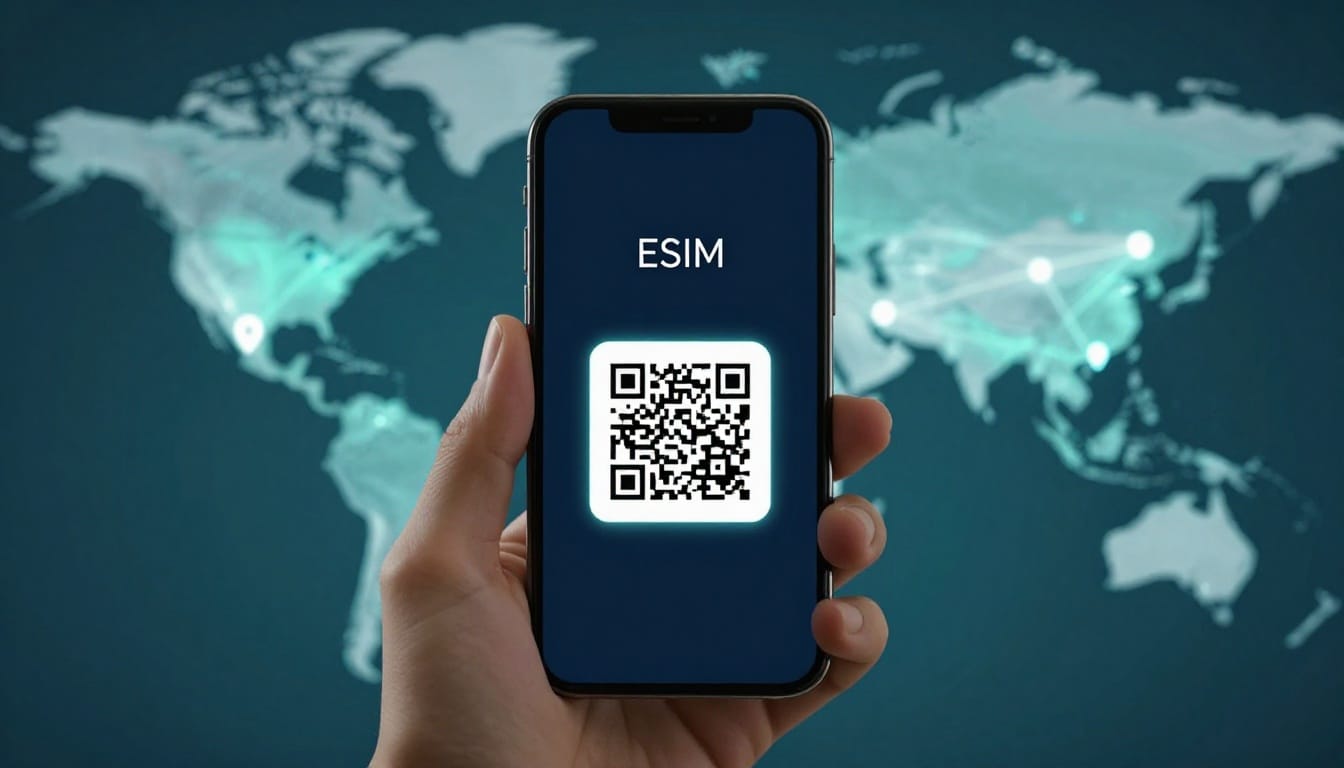
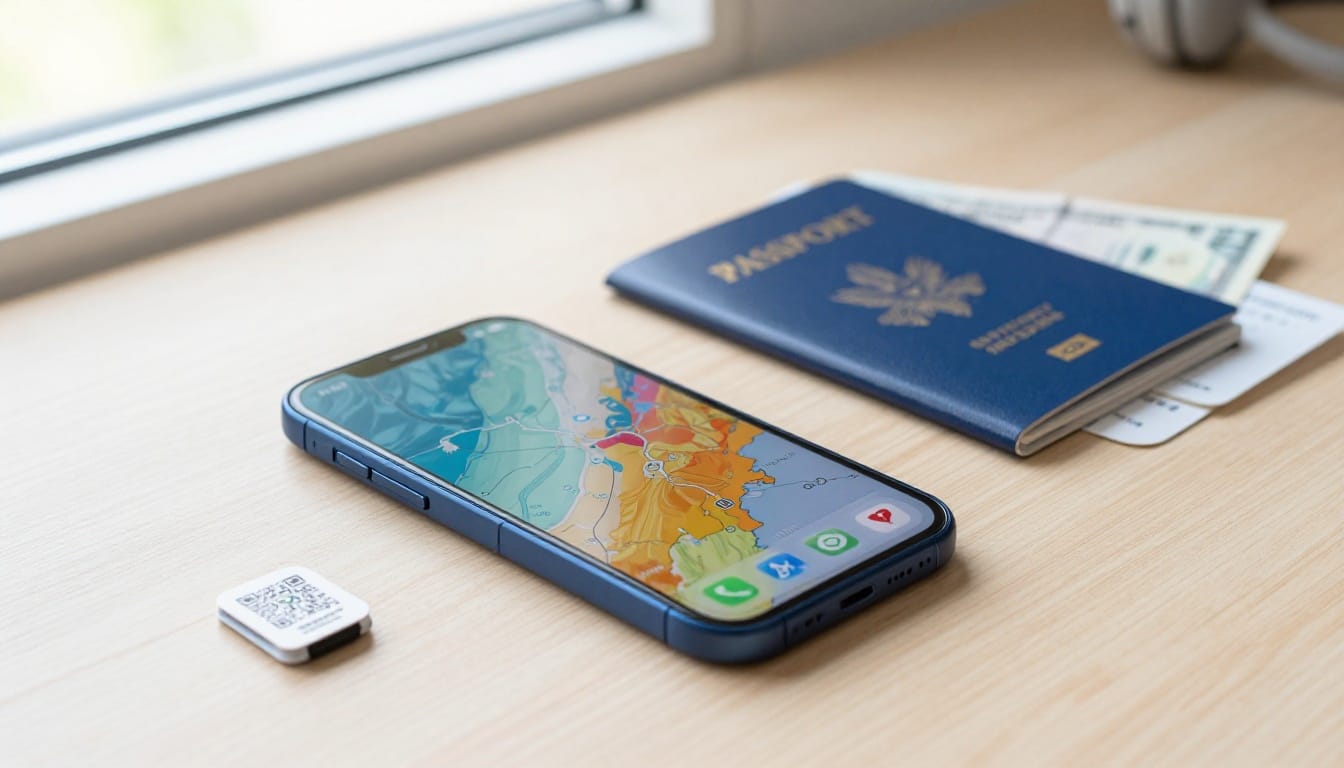
📱✨ Wondering if Your Phone Works with eSIM? Let’s Make It Easy. This is your go-to guide for understanding which devices support eSIM, how to set it up, and what to watch out for — especially if you're planning to travel. Whether you're team iPhone, Samsung Galaxy, Google Pixel, or even using an iPad, we’ve got you covered. In this section, you’ll find: ✅ Step-by-step setup guides for popular phones (iPhone, Galaxy, Pixel...) ⚙️ Quick checklist to check if your device supports eSIM 🧳 Travel tips for using eSIMs on tablets and secondary devices 🔧 Troubleshooting tips for common activation or network issues 🛡️ Best eSIM options tailored for your device and travel style 🌍 As more phones go eSIM-only, staying compatible means staying connected — without the roaming fees, SIM swapping, or headaches. 👉 Check compatibility. Set it up. Travel smarter.
You’re heading overseas, want to avoid steep roaming fees, and don’t want to depend on airport Wi-Fi to get online. Does Xiaomi have eSIM support? Some Xiaomi phones do, but it depends on the exact model, regional version, firmware, and carrier lock status. Before choosing a travel plan, check…
You land, open your Android phone, and there’s no mobile data. A travel eSIM only works when your phone supports it, your device is unlocked, the right settings are on, and your plan fits your trip. Miss any one of those checks and you could be stuck searching for airport Wi-Fi. Avoid five common…
Want to use your Samsung Galaxy abroad without paying your home carrier’s roaming rates? The right travel eSIM depends on your exact phone model and region, whether it’s unlocked, where you’re going, how much data you need, and the plan’s terms. Because Galaxy eSIM support can vary by model code…
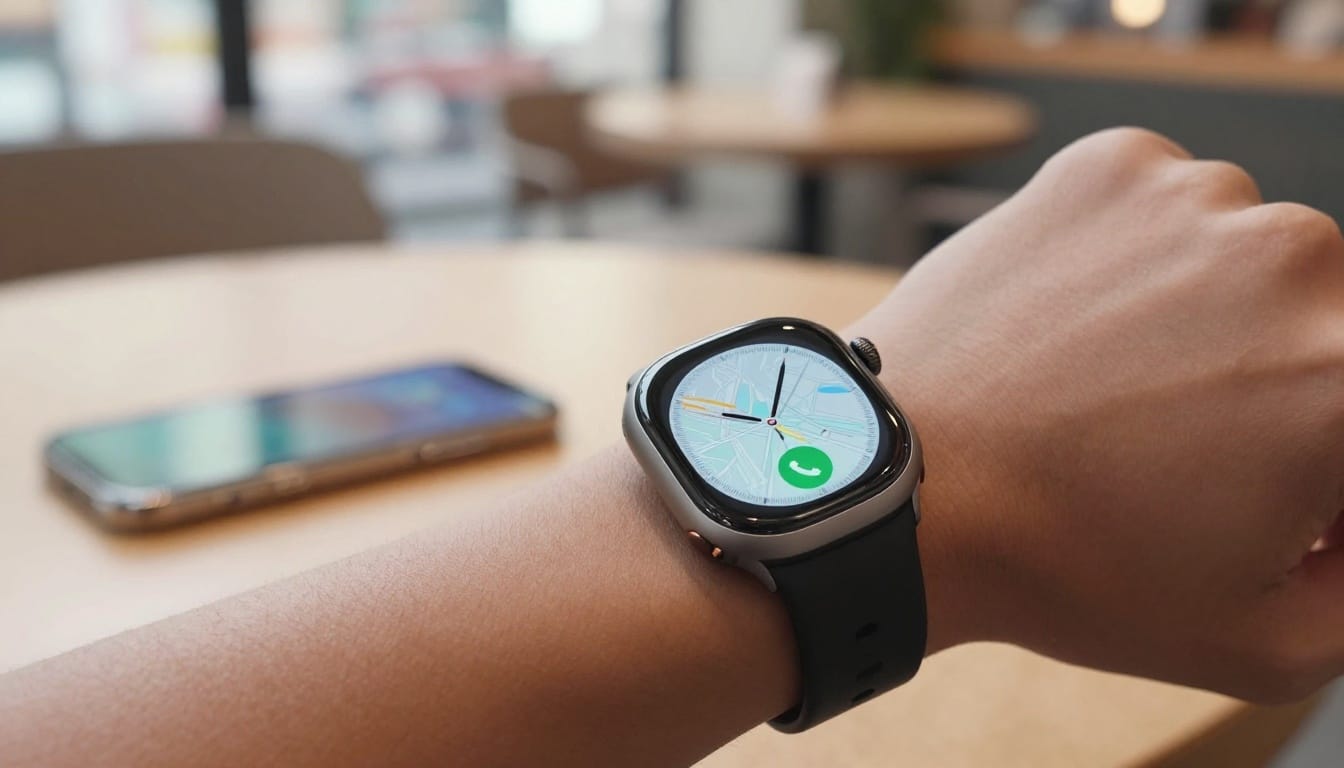
Want to call, message, and track routes without carrying your iPhone? An Apple Watch Cellular model can do that with a supported carrier plan, but you don’t set it up by scanning a standalone eSIM QR code. You activate service through the paired iPhone, and the details depend on your carrier and…
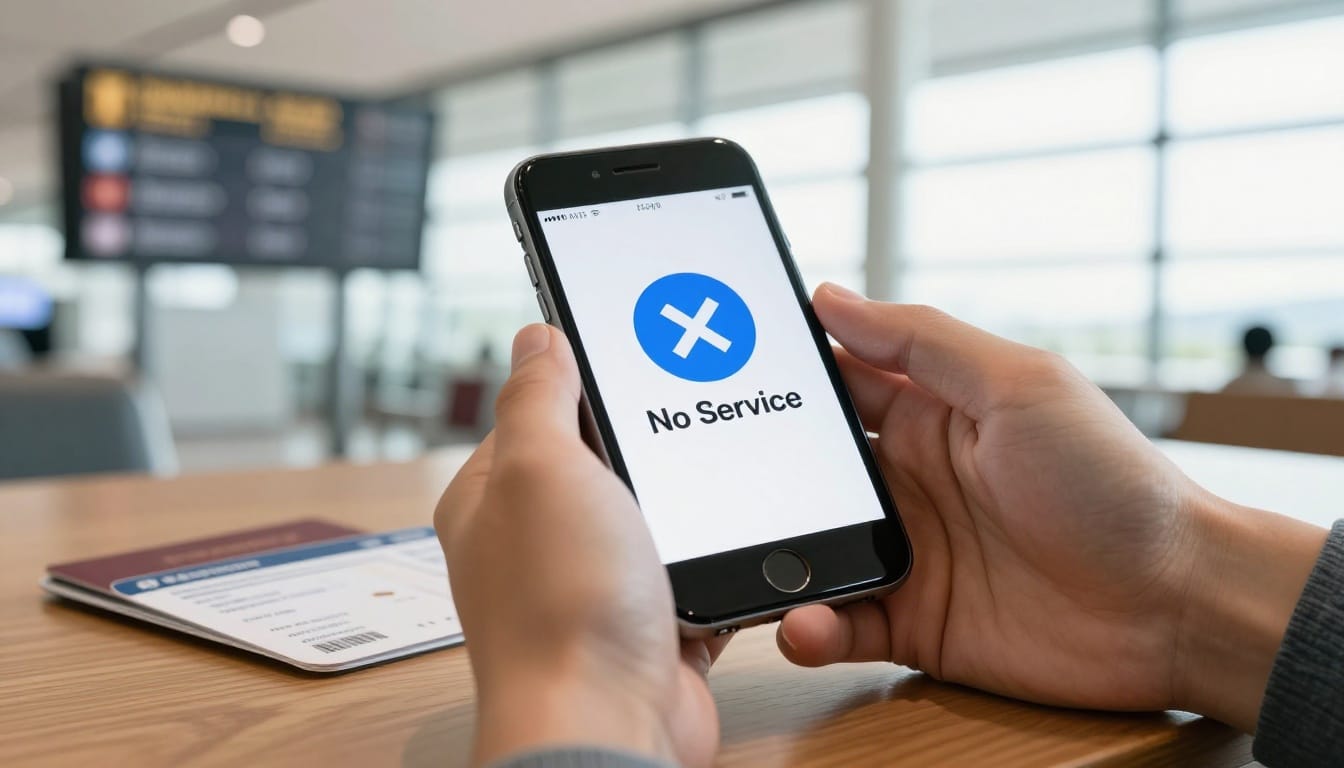
There’s nothing worse than landing abroad, checking your iPhone SE, and seeing “No Service.” Yes, the 2020 and 2022 iPhone SE support eSIM, but the original 2016 model doesn’t. Before you buy a travel plan, check your model and carrier lock, then set up the eSIM on Wi-Fi and choose the right data…
Finding reliable data abroad without paying for unused capacity or triggering home-carrier roaming charges takes more than picking the cheapest eSIM. The right fit depends on your trip length, data use, destination coverage, price, and whether your specific iPhone 13 model supports eSIM. Check your…
Will your current phone work with a travel eSIM, and will it save you money abroad? The answer depends on your exact device model and regional version, whether your phone is carrier-unlocked, and whether it supports the destination network. Many newer phones support eSIM, but a model name alone…
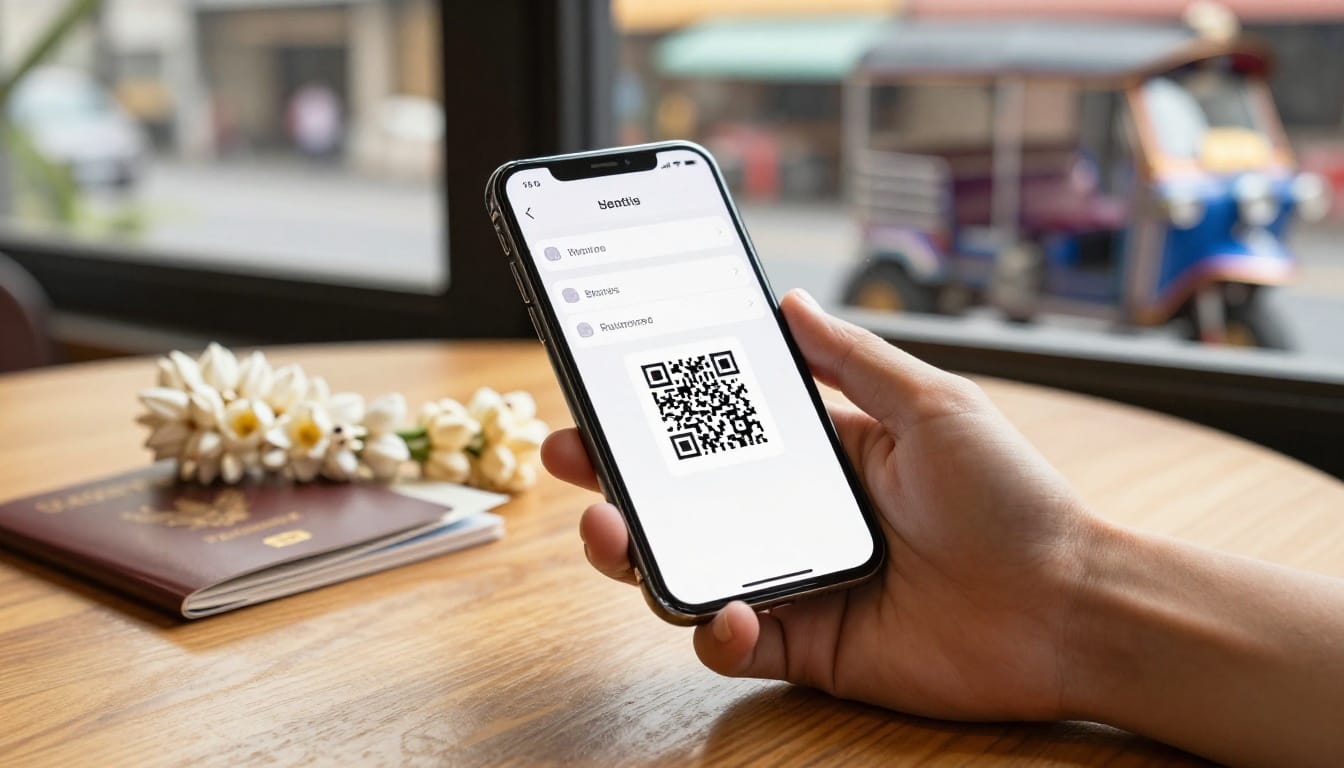
Thailand eSIM for iPhone: Compatibility & Setup Guide You buy a Thailand eSIM, scan the QR code, and discover your iPhone can’t use it. Frustrating, but the answer is straightforward: your iPhone must support eSIM, usually iPhone XS, iPhone XR, or newer, and Settings must show “No SIM…
An iPhone 12 travel eSIM can save you from expensive roaming, physical SIM cards, and desperate airport Wi-Fi searches, but only when it’s set up properly. Apple introduced 5G and useful Dual SIM support with the iPhone 12, yet its older 5G hardware, regional model differences, carrier locks, and…
Yes, most iPhone 11 models support one eSIM alongside a physical SIM, so you can keep your regular number active while using travel data abroad. The important exception is regional: iPhone 11 variants sold in China, Hong Kong, and Macao may use two physical SIMs instead, so check your exact model…