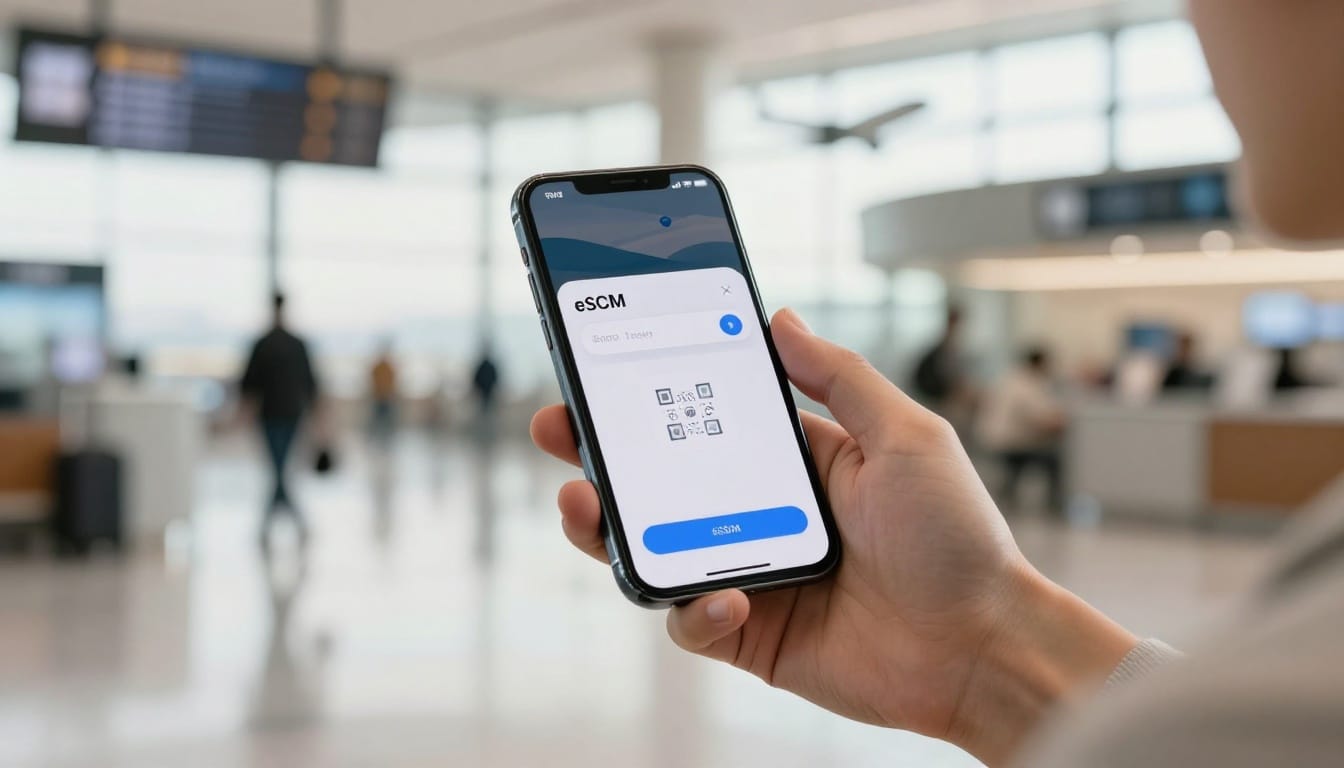
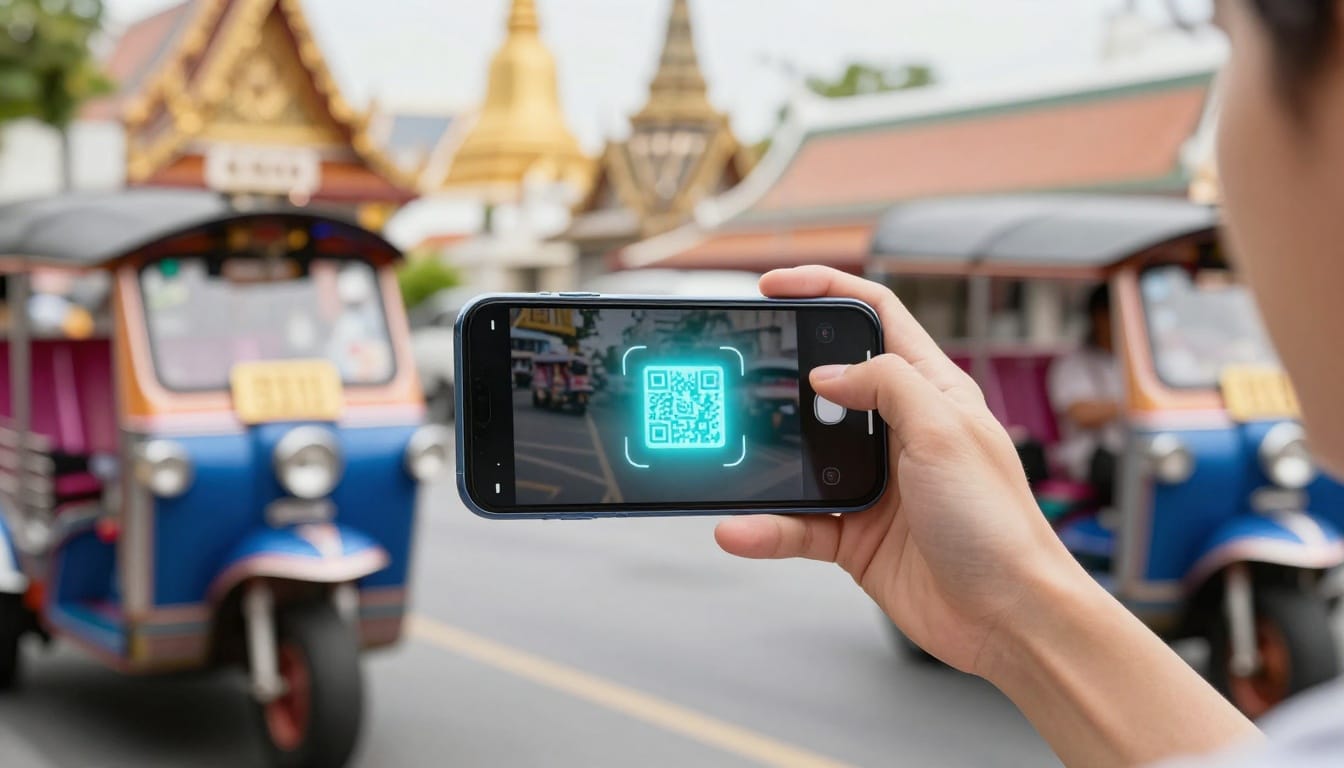
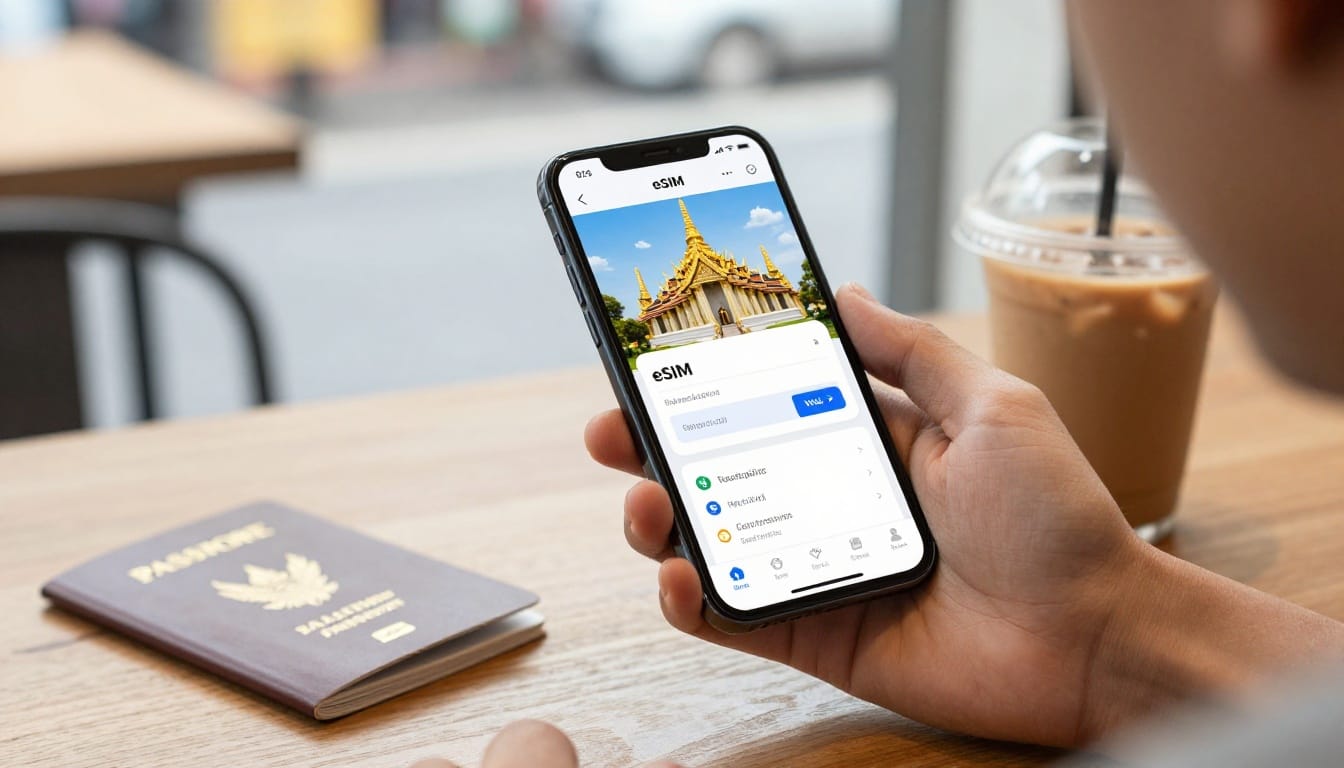
⚙️📶 eSIM Setup Help Starts Here — Get Connected Fast. Just got your travel eSIM and not sure what to do next? Or maybe you’re abroad and things aren’t working quite right? Don’t worry — we’ve got your back. This section is your complete guide to eSIM setup, activation, and troubleshooting, with quick fixes and step-by-step instructions for every device. Inside, you’ll find: ✅ How to activate your travel eSIM in under 5 minutes 📱 eSIM setup via QR code on iPhone, Samsung, and Android phones 🚨 Fixes for common issues: eSIM not working abroad, no data, APN errors 🔄 How to switch between eSIM profiles during your trip ⚡ What to do immediately when mobile data isn't working after activation 🧳 Whether it’s your first time using a digital SIM or you're mid-trip and stuck without data, these guides will help you fix it fast — and stay connected.
You land, open your Android phone, and there’s no mobile data. A travel eSIM only works when your phone supports it, your device is unlocked, the right settings are on, and your plan fits your trip. Miss any one of those checks and you could be stuck searching for airport Wi-Fi. Avoid five common…
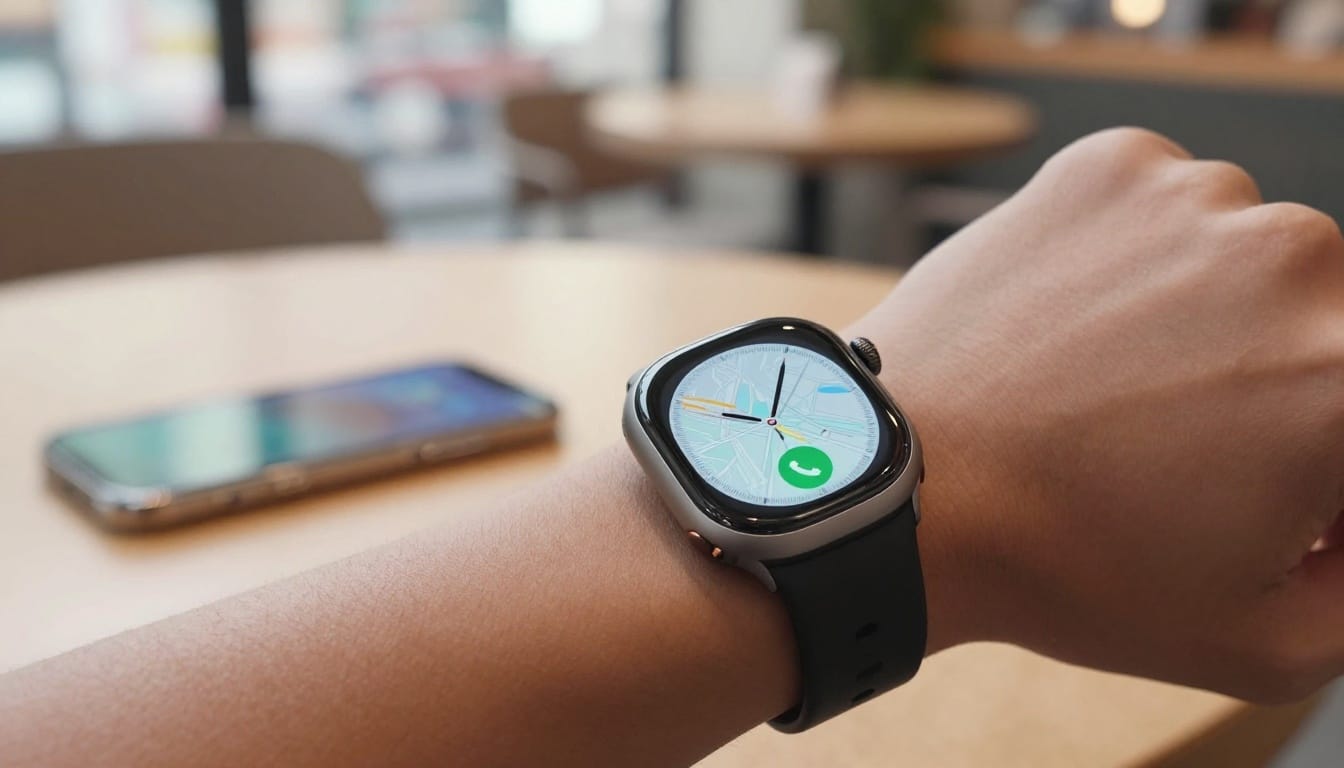
Want to call, message, and track routes without carrying your iPhone? An Apple Watch Cellular model can do that with a supported carrier plan, but you don’t set it up by scanning a standalone eSIM QR code. You activate service through the paired iPhone, and the details depend on your carrier and…
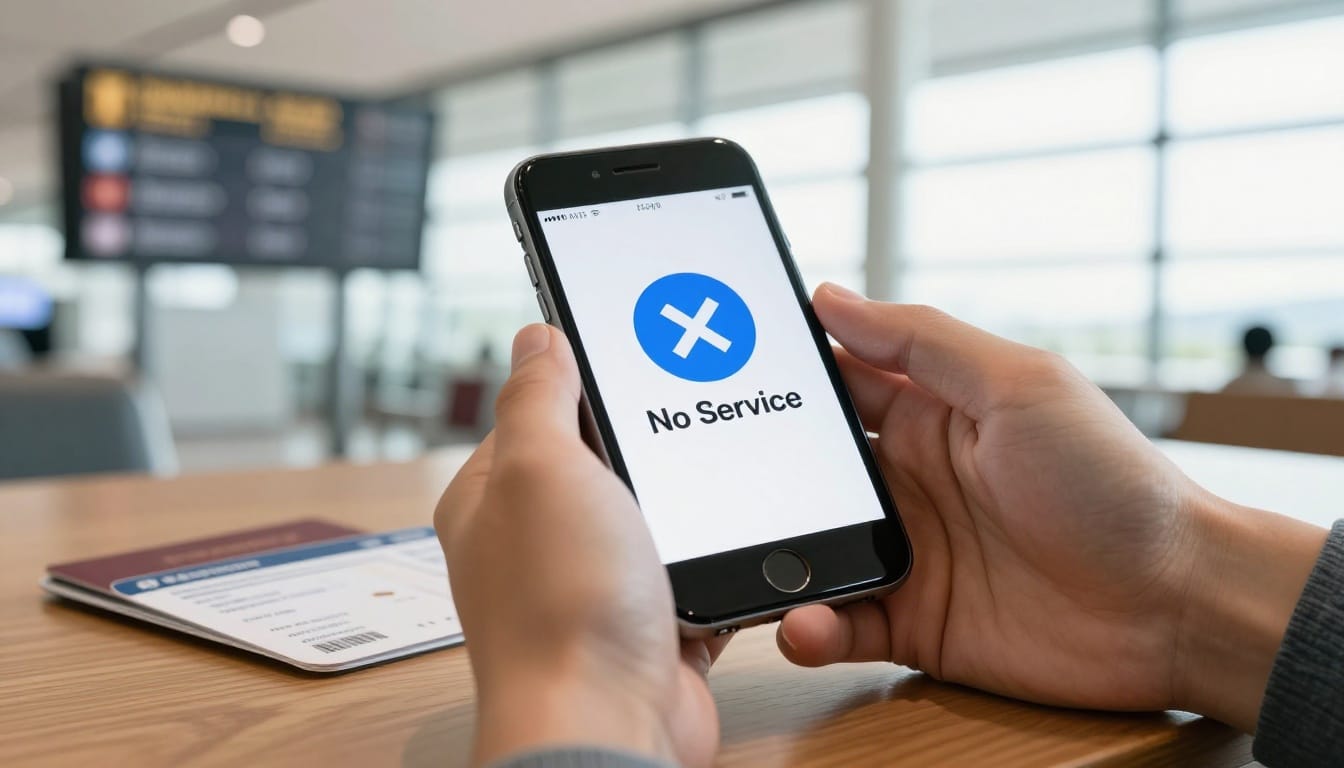
There’s nothing worse than landing abroad, checking your iPhone SE, and seeing “No Service.” Yes, the 2020 and 2022 iPhone SE support eSIM, but the original 2016 model doesn’t. Before you buy a travel plan, check your model and carrier lock, then set up the eSIM on Wi-Fi and choose the right data…
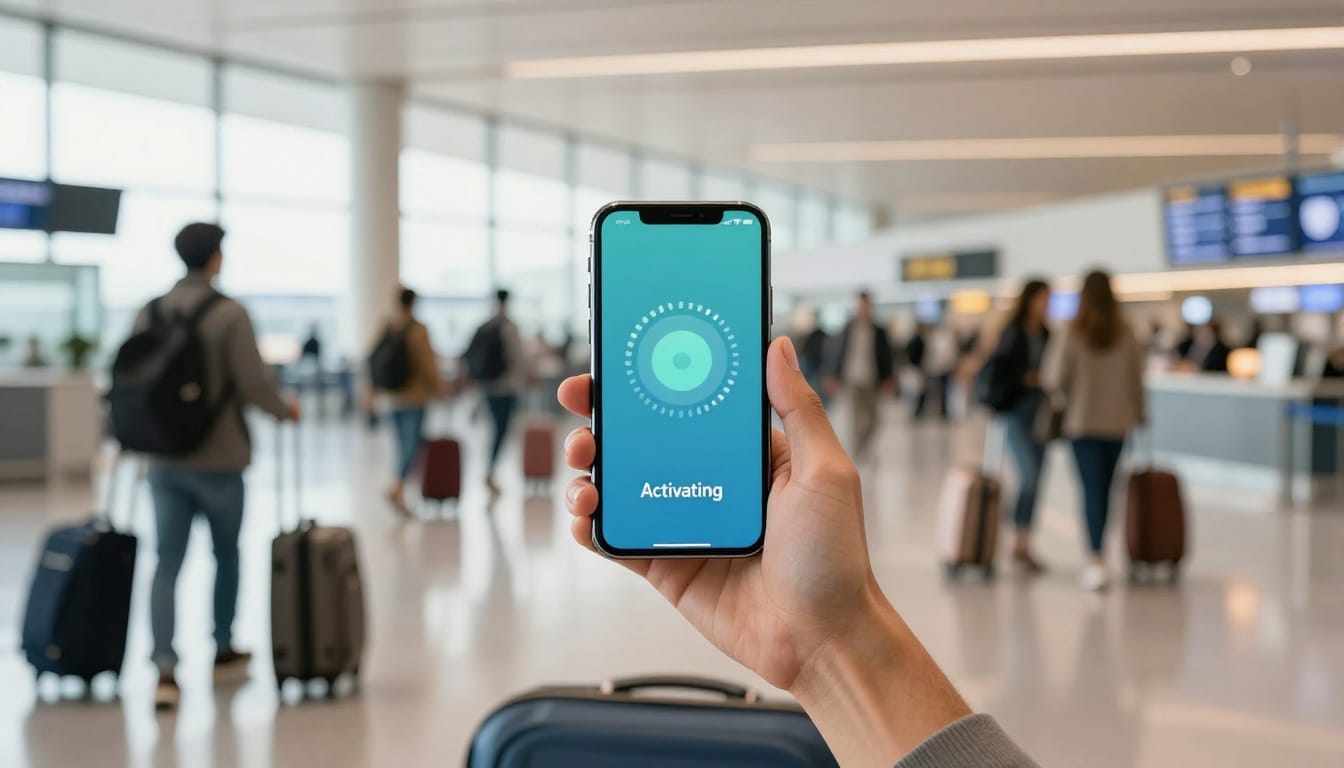
You land, switch off Airplane Mode, and your phone sits there saying “Activating…” while you wait for signal bars. Many travel eSIMs connect within 30 to 90 seconds, but some take 20 minutes because of remote provisioning servers, identity checks, roaming handshakes, or unstable Wi-Fi. That delay…
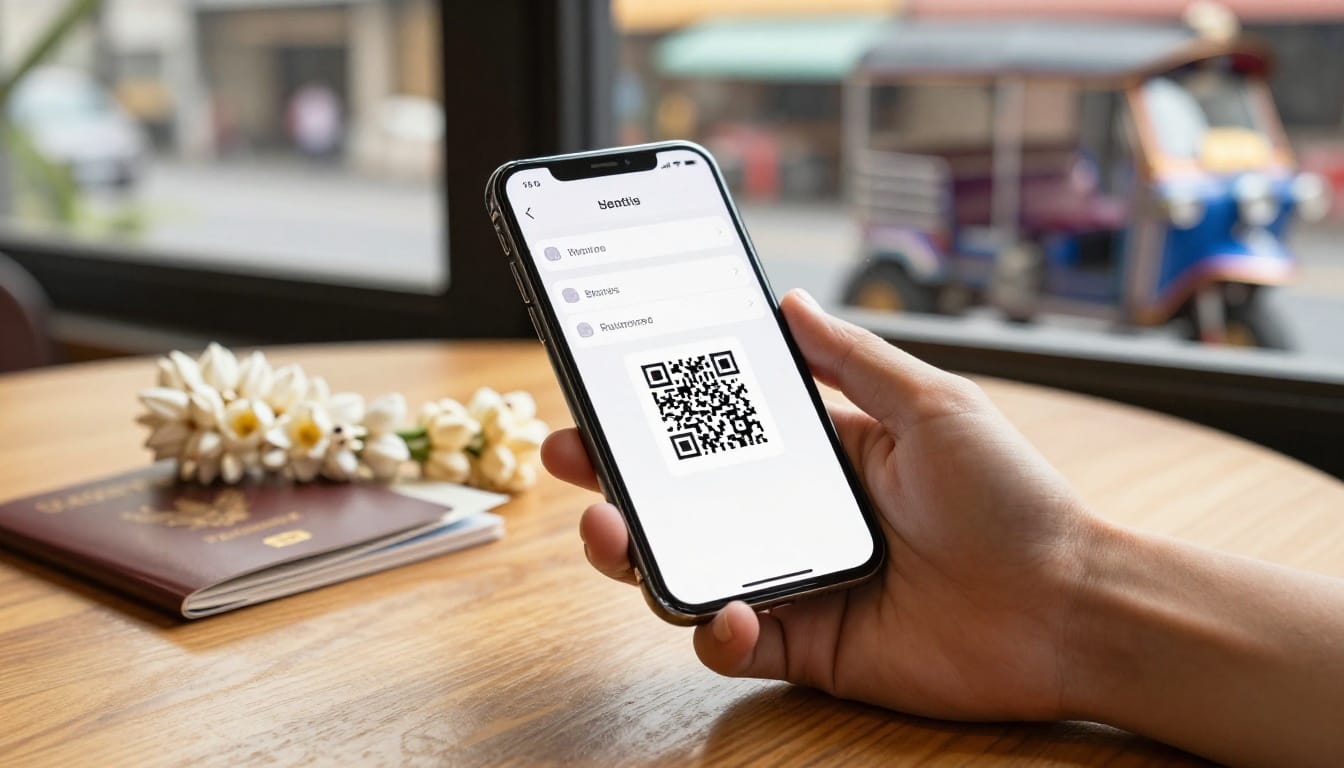
Thailand eSIM for iPhone: Compatibility & Setup Guide You buy a Thailand eSIM, scan the QR code, and discover your iPhone can’t use it. Frustrating, but the answer is straightforward: your iPhone must support eSIM, usually iPhone XS, iPhone XR, or newer, and Settings must show “No SIM…
Wondering how much an eSIM in Thailand costs, or worried about installation, activation, and surprise roaming charges? Travel data prices vary by plan size and validity, with Southeast Asian eSIM rates often reaching well below $1 per GB, while smaller plans can cost more. Install your eSIM on…
An iPhone 12 travel eSIM can save you from expensive roaming, physical SIM cards, and desperate airport Wi-Fi searches, but only when it’s set up properly. Apple introduced 5G and useful Dual SIM support with the iPhone 12, yet its older 5G hardware, regional model differences, carrier locks, and…
You land, turn off Airplane Mode, and expect your phone to come alive instantly. Instead, the eSIM sits on “Activating,” the signal bars stay empty, and you’re left trying to book a rideshare using airport Wi-Fi. Frustrating? Absolutely, but a QR code download and actual network access are two…
Worried your Thailand data plan won’t work when you land in Bangkok or Phuket? Before you buy an eSIM for Thailand, check your phone’s carrier lock, eSIM support, and available profile space. Then review network coverage, activation timing, hotspot rules, and the real price per gigabyte. A…
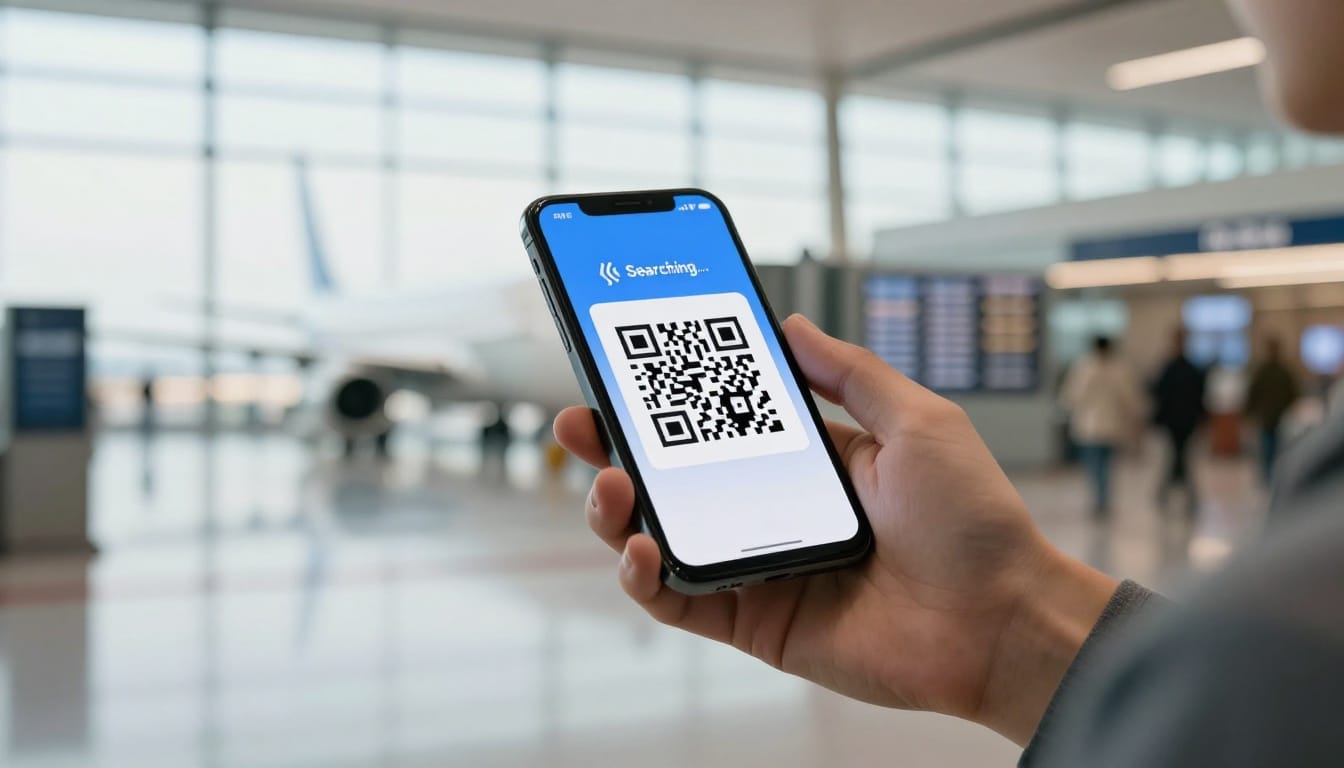
You’ve landed, scanned your eSIM QR code, and now your phone has been stuck on “Searching…” for 20 minutes. Frustrating? Absolutely, but it doesn’t always mean the installation failed. eSIM activation time depends on network handshakes, server load, identity checks, and local tower registration.…